Easily regarded as one of the most story-heavy seasons of Fortnite that we have had in quite some time, there are many players wondering one question right now, that is, when is the Fortnite live event and how do you get in so you do not miss out? On March 19, 2026, Epic released the first act of Chapter 7, Season 2 with Showdown, and since that date, the season is leading to an eventual large epilogue to conclude the conflict between The Foundation, Ice King, and Dark Voyager. Additionally, if you want to see the finale live, the timing of when you enter makes a huge difference.
What Time Is the Fortnite Live Event Today?
The main Fortnite Chapter 7, Season 2 live event is taking place on June 5, 2026, at 3 PM (ET). This live event is the actual end-of-season epilogue event and will conclude the entire Showdown Rivalries storyline that Epic has been telling through the four acts of this season. Before that Season 2 finale live event, there was also the OG Dark Voyager Story Event at 3 PM (ET) on April 11, 2026.
However, while that event told a smaller piece of the story of Dark Voyager within Fortnite OG, the OG Dark Voyager event was about Dark Voyager using a rift to teleport to the OG reality, which is located right outside of Loot Lake, to retrieve Zero Point shards. The live event on June 5, 2026, is an actual Season 2 ending live event; it will be a much larger spectacle and will conclude the current season. Thus if you are only wanting to know when the next Fortnite live event will be held for the end of Chapter 7 Season 2, the answer is June 5th at 3 PM ET. That’s your guide for building a login time plan.
Fortnite Live Event Start Time by Location
All Fortnite live events will begin simultaneously around the world (meaning that if your home is located in a different time zone than your current location, then your local start time for this live event will also be determined solely by where you live). Here is the start time for this Event on June 5th (2026) broken down by region.
| Region | Time Zone | Local Start Time |
|---|---|---|
| US EAST COAST | ET | June 5 @ 3 PM |
| US CENTRAL | CT | June 5 @ 2 PM |
| US WEST COAST | PT | June 5 @ 12 PM |
| UK | GMT/BST | June 5 @ 8 PM |
| CENTRAL EUROPE | CET/CEST | June 5 @ 9 PM |
| INDIA | IST | June 6 @ 12:30 AM |
| JAPAN | JST | June 6 @ 4 AM |
| AUSTRALIA | AEST | June 6 @ 5 AM |
| NEW ZEALAND | NZST | June 6 @ 7 AM |
For those players located in the Asia/Pacific regions of the world, unfortunately, the timing seems to be less than ideal with the event being held in the very early morning of June 6th (this has often been an ongoing problem for Fortnite in terms of global live events). Recently the players from Asia and Pacific countries experienced this same issue with the scheduling of the April 11th live event (Story Moment). ## How to Access Fortnite Live Events
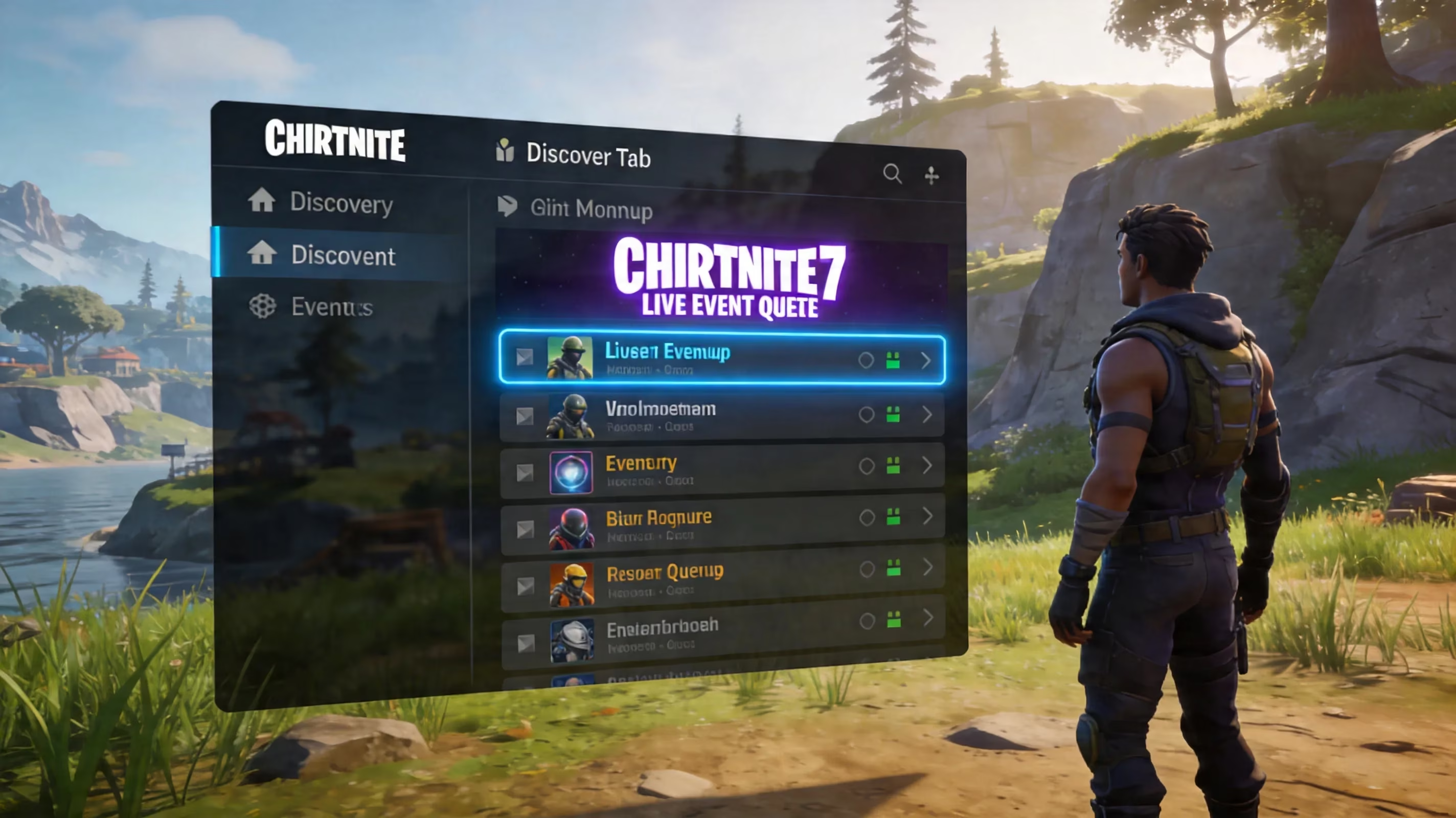
When it comes to attending live events in Fortnite, it is often more about entering the correct playlist early rather than having to press the button at the exact right time. The main way to find the playlist that has the forthcoming end of season event story, you will want to check in the Discover tab of your main lobby. Typically, Epic Game publishes the event mode within the Discover tab shortly before it goes live. In past final events, you could have found the dedicated playlist anywhere from 30 minutes to 2 hours before the event begins.
As of now, there is a good chance that Chapter 7 Season 2 main finale will have the ability to interact with both Battle Royale, Zero Build, and potentially OG as well, because Chapter 7 has tied the OG Island into the major storyline. Players need to be in the OG playlist, specifically, on April 11 for Dark Voyager to be seen at Loot Lake, this may happen again on June 5, so keep an eye on all the announcements from Epic and the in-game news within 24 hours prior to the event.
Here are the things to do to ensure you can access the live event:
-
Visit Discover Tab Early
-
Confirm You Are In The Correct Event Playlist Prior To Queuing
-
Join Playlist At Least 30 Minutes Before Start Time
-
Do Not Assume That Standard BR or Zero Build Will Automatically Have The Event
Additionally, being in the queue early matters a lot for large Fortnite Live Events and many times when waiting until last minute, the likelihood of you being unable to access them is very high. ## In-Game Viewing for the Fortnite Live Event
Getting Ready to View the Live Event
One of the easiest ways to miss this one-time only, special event, is to not update your Fortnite client in advance of the June 5th event time. The best way is to update it very far in advance of the event on June 5th, or at least well in advance of the event on June 5th, so you do not experience any type of update while everyone else is getting into the game. Make sure to check Epic's Server Status page as well as Epic's Server Twitter/X account on the day of the event to confirm that the game service has not been delayed due to server maintenance.
If you are going to invite anyone else and/or watch the event with anyone else, be sure that you have all of your 'party' members established well before the event start. If you wait until the day of the event, and you want to try to invite someone after the 'event playlist' has already started to fill, there is a good chance that you will waste precious seconds trying to get your buddies to join you while all the other players in the lobby start experiencing issues.
Any Match Entry Restrictions
This is where it gets very critical... to get into the Live Event you will want to make sure that you are inside of the Live Event before the playlist has filled to capacity. After the Live Event entrance has been closed, players who attempted to connect after that will not be able to join in late… or get back in if they are disconnected after entering.
To ensure that you are completely in the Live Event, you will want to have entered the Live Event at least 15 minutes before the Start Time of 3:00 PM ET. You should be completely loaded into the match… not merely in the queue but at least past the spawn island.
Another item that you should ensure is that you are selecting when to go into the game to the correct mode of play. Although this sounds very obvious, there are many players that think that they selected the mode to use to play Fortnite when, in fact, they selected to participate in a normal Teen Public (Public Game) game… and did not participate in the live event.
If Previous Seasons' Story is Any Indicator, Loot Lake in OG Mode is the Best Place to Enjoy the Live Event. Since Loot Lake has been the home base of Dark Voyager activities throughout Season 2 of Fortnite, it is also likely to be the primary location of the epilogue. Your best bet will be to land near Loot Lake where you will have a clear line of sight to both the air and the water.
Here are a few quick tips for viewing:
-
Land as early as possible at Loot Lake
-
Find an area with clear sight lines
-
Do not move around too much in the last minutes leading up to the countdown
-
Check to see if damage is disabled in that playlist
With most of the larger Fortnite events, they will disable player damage during the event so that players are able to have a good view of the event with limited issues from others doing damage to them while trying to view the event. Smaller Story Moments do not usually follow the same protocol so it will be best to check community sources right before the event starts just as a precaution.
Fortnite Chapter 7 Live Event Details
The Showdown has consisted of three factions competing against each other — The Dark Voyager against The Foundation against The Ice King. In Act 1 of The Showdown, titled Rise of the iKing, The Ice King established he was the dominant faction on the Chapter 7 island. The first phase of The Showdown will end with the Ice King Team being the winner of the community rivalry achievement. From there, The Dark Voyager will have attempted to use The Dark Harvester to destabilize the Zero Point and free The Foundation from The Ice King's castle as part of preparing for the final battle of The Showdown.
The outcome of the live event will be a final resolution to the conflict from the events of Chapter 7 Season 2 and will take place on June 5. According to confirmed Showdown Roadmap by Epic Games, the epilogue leads into Fortnite Chapter 7 Season 3, which will launch June 5th, 2026 (the same as the event). This end-of-season finale should feel very significant.
Change to map is also likely. A historic trend of Fortnite live events are using them to reshape POIs and/or change the island's layout. Live event is set up for dramatic changes to the landscape, particularly given the Zero Point shards that Dark Voyager has collected throughout the season. They should play a large role in the visual impact and the storyline reveal.
Fortnite Live Event Troubleshooting and Quick Solutions
Even if you have prepared yourself in advance, event day can get chaotic, and luckily, most problems are easy to find.
-
Couldn’t find playlist in Discover tab: In most cases the playlist still not live yet, or your epic account may have been flagged. Try restarting the application, and searching for the playlist again within 30-60 minutes.
-
Lobby is full or queue is stuck: If the playlist is full at the time you search, you will have to wait for the next available room. Ultimately, there is no easy fix for this problem, and submitting a support ticket to Epic will not provide you with any real-time resolution. #Lag or disconnected packets - will usually result from the high load put onto servers when large numbers of players are simultaneously connected to the same server for the same game; using a wired connection (instead of wireless) is often beneficial along with closing programs running in the background of your PC (as it will help improve performance) prior to launching up any game.
Timezone/Regional Selection - always double check your regional settings in the game settings menu before entering the game. Not being on the correct region can cause you to have higher latency and may prevent you from accurately reading the timer on the event screen if the time listed on the game is incorrectly displayed according to your local timezone.
If you’re interested in setting everything up as safely as possible here is a fast reference for any issues you may run into before the event:
| Problem | Quick Fix |
|---|---|
| Playlist Not Showing | Restart Fortnite, Reboot Game & then Look at Discover |
| Lobby Full/Closed | Wait & Try Again (this is usually not successful due to significant player demand) |
| High Lag | Wired internet, close background programs; |
| Wrong Event Time | Check Local Time Based Upon 3 PM (ET) |
| Region Mismatch | Check Server Region within Settings Menu. |
The number one thing to remember is to not solely depend on the in-game timer to determine the time of the event itself. When comparing the timer shown in-game against the confirmed 3 PM ET start time you should always utilize a reliable source for finding accurate world times.
Conclusion
If you have been searching for an answer as to when is the Fortnite Live Event, we can confirm the date/time: 3 PM ET on June 5, 2026. The only way you can experience this event will be by accessing it through the Discover tab under "Event" in the playlist section of the interface, with Loot Lake currently being the most probable location to hold the in-game action.
The safest way to access the event will generally be 30-45 minutes prior to the events official start time for those who would like to participate; however for an event of this size/scale it is advisable that you arrive sooner than this at least by 1 to 2 hours prior to participating in the event. In addition your game must be updated; you will have gone through all of the region-specific settings in the game; and both you and your squad will want to be logged in at least 15 to 30 minutes prior to lining up in the queue that will form for your event. Lastly keep an eye on both Epic’s Official Channels as well as in-game news updates for any last minute changes to playlists or official timing prior to the commencement of your event.